Website Migration Plan Template
Plan a website move without losing the search traffic you already have.
When a site move loses traffic, the cause is often something nobody wrote down: a redirect that was never mapped, a staging block left on, a form that stopped sending. This template puts the whole move on paper before any build work starts, with an owner and a date for every phase and a checklist for launch day.
- Format
- Printable PDF
- Length
- 4 pages
- Use it
- Before the build starts
- Price
- Free
Free download
Get the Website Migration Plan Template
Three quick steps, then the PDF is yours to download. We'll email you a copy too.
- Printable 4-page PDF
- Instant download, plus a copy by email
- Plain language, no SEO background needed
- A next step for every weak row
Use it when
What the template helps with
Step 2 of 4: plan the work. Here is when this template earns its place on your desk.
You're moving to a new platform
Wix, Squarespace, Webflow or HubSpot to WordPress, or any other move, and you want to keep the search traffic you've built.
Your URLs are changing
Every kept page needs a new home in the redirect map, sent to the closest matching page rather than the home page.
Several people are involved
Each phase gets an owner, a start date and a due date, so nothing falls between the developer, the marketer and the decision maker.
You want proof the move worked
The 30-day check compares crawl errors, indexed pages, traffic by page group and top landing pages against your pre-launch baseline.
What you get out of it
What you'll walk away with
- A dated plan for all eight phases, from discovery to the 30-day check, each with an owner
- A redirect map built from a crawl and your top pages, not from memory
- A pre-launch SEO checklist covering titles, canonicals, robots.txt, sitemaps, schema and tracking
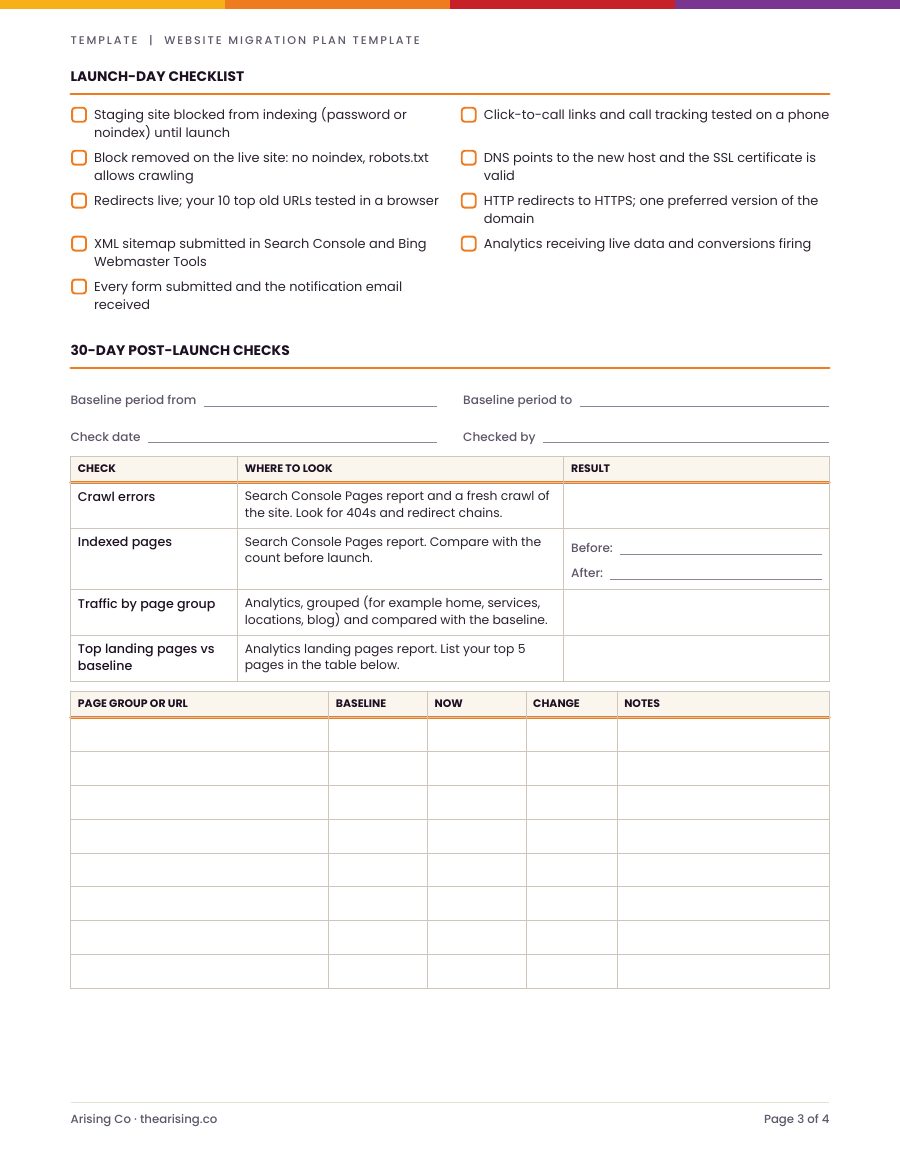
- A launch-day checklist, so the staging block comes off, redirects go live and every form gets tested
- A before-and-after record of indexed pages and traffic 30 days after launch
Who it's for
- Businesses moving to WordPress or another platform
- Marketing leads managing a redesign that changes URLs
- Developers who want the SEO steps written down for the client
Page by page
What's inside the template
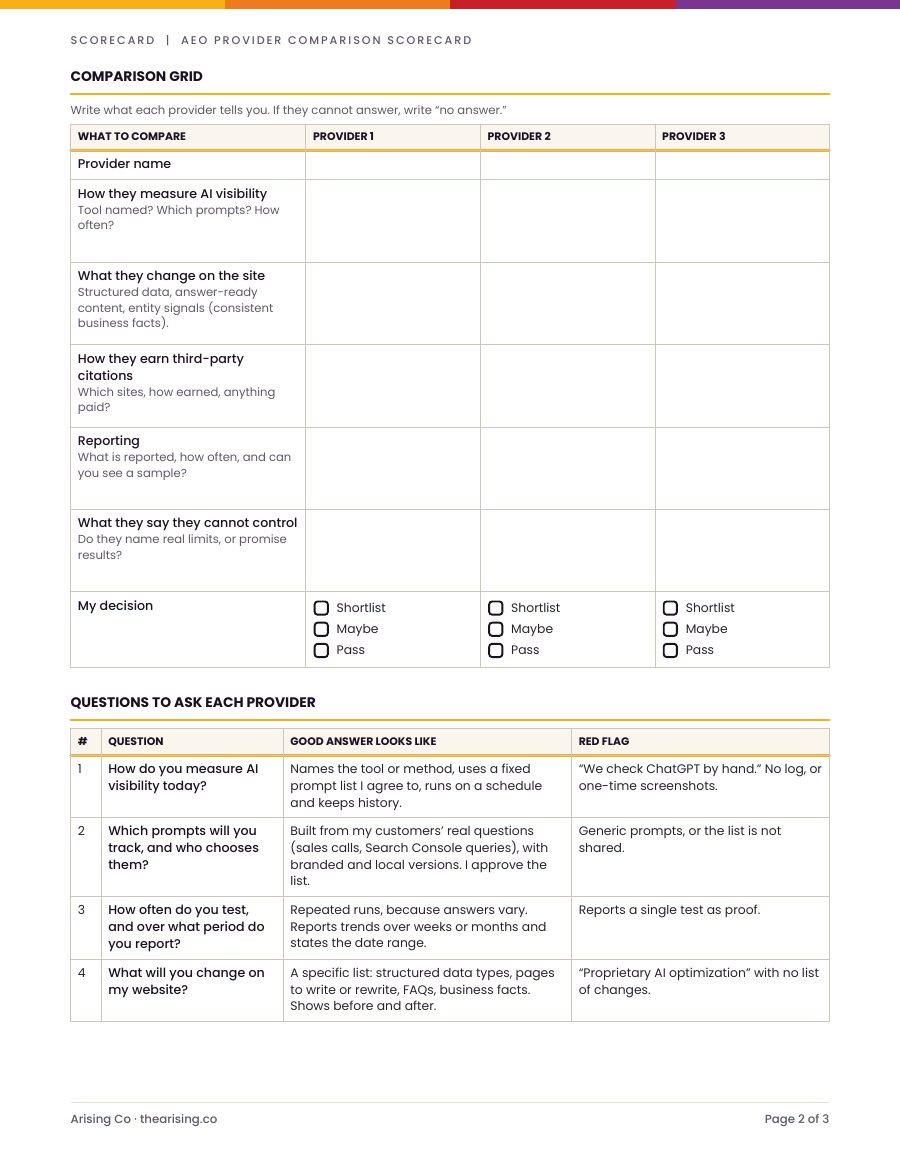
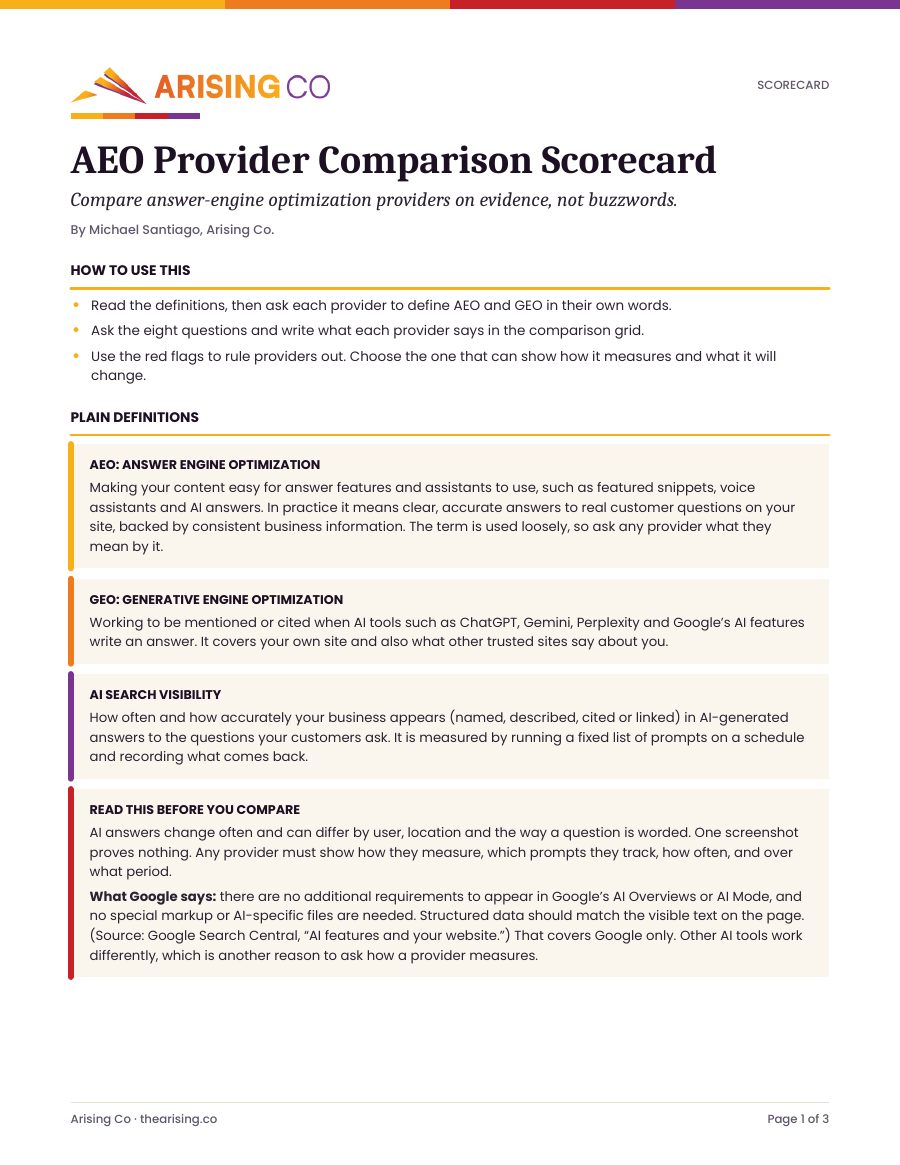
4 printable pages. Here is a look at each one.
Page 1
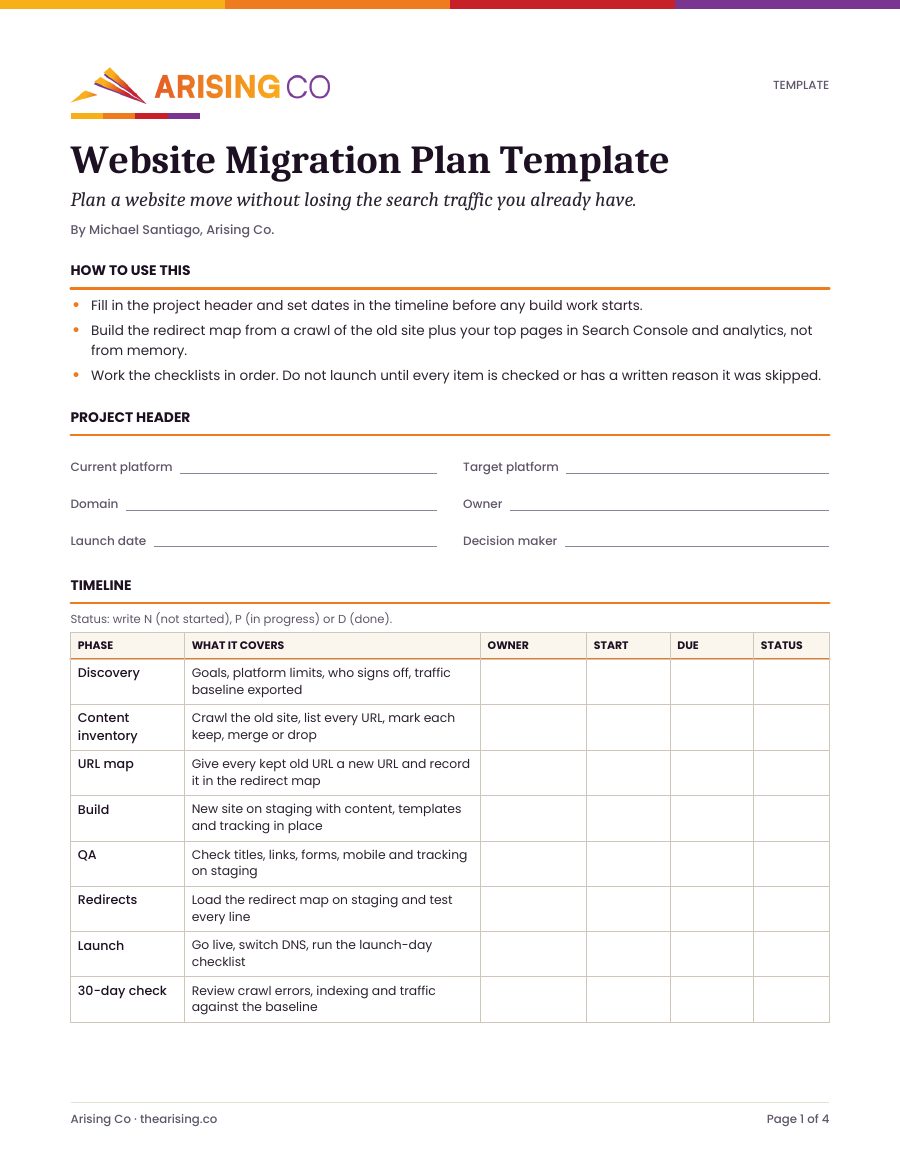
How to use it, a project header (platforms, domain, owner, launch date, decision maker) and the timeline: discovery, content inventory, URL map, build, QA, redirects, launch and the 30-day check.
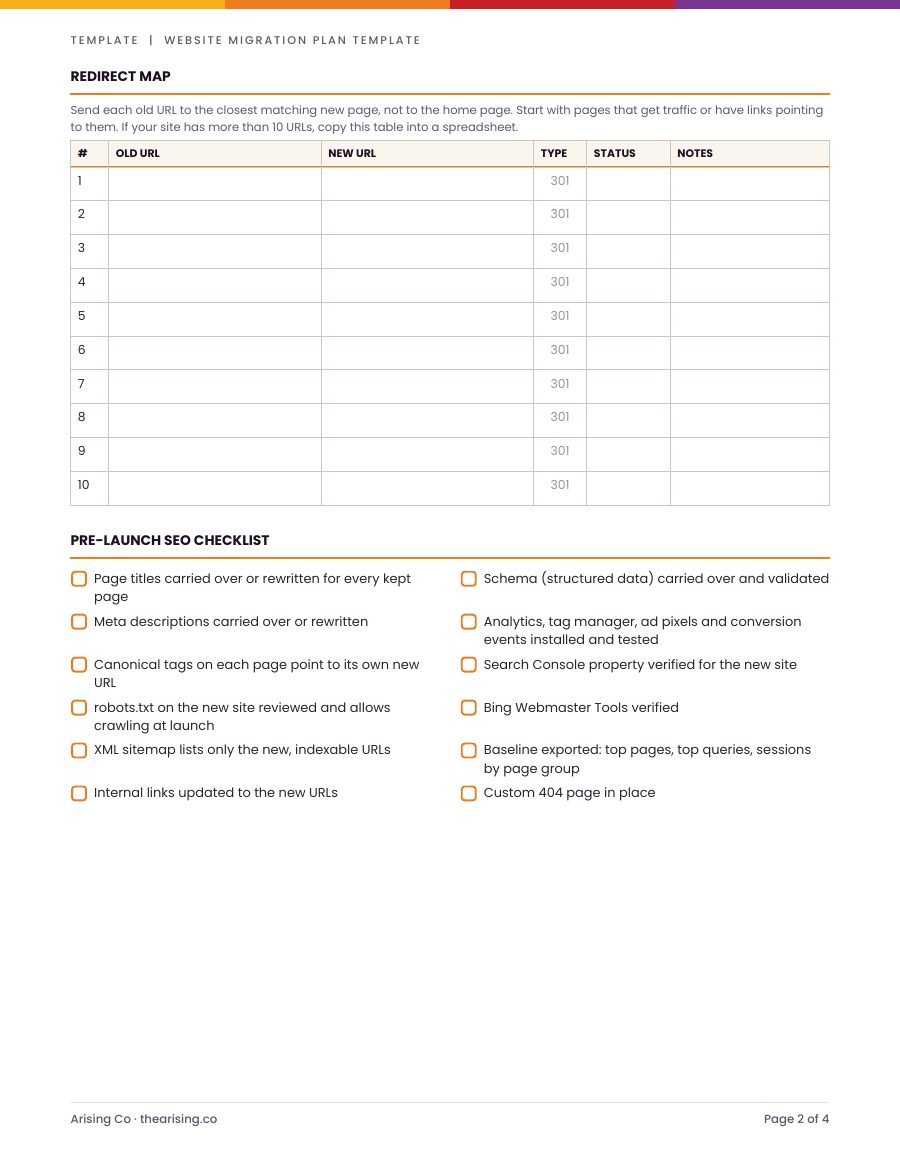
Page 2
The redirect map, with a 301 column and a status for each line, and a twelve-item pre-launch SEO checklist.
Page 3
The launch-day checklist and the 30-day post-launch checks, each with where to look, plus a table for your top landing pages against the baseline.
Page 4
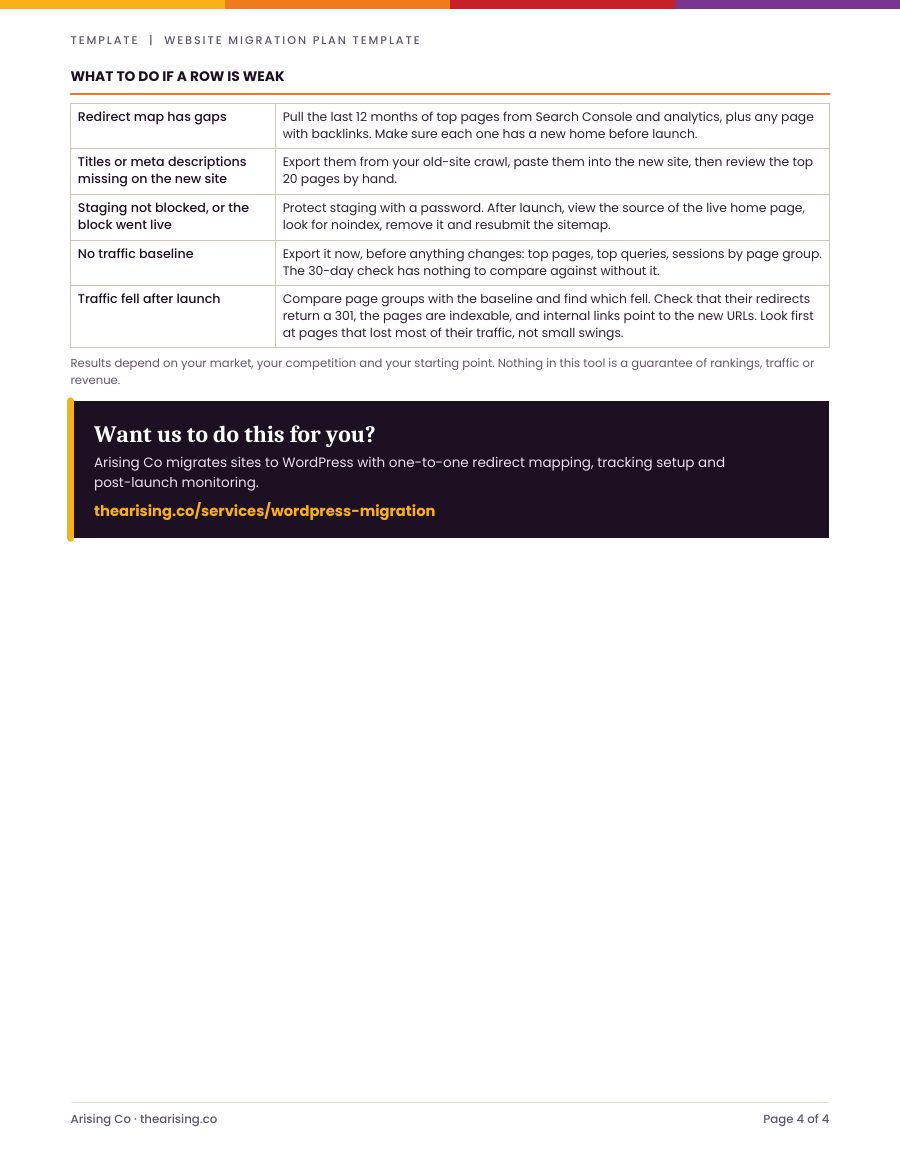
What to do if a row is weak: gaps in the redirect map, missing titles, a staging block that went live, no traffic baseline, or traffic that fell after launch.
How to use it
Three steps, straight from the template
- 01
Fill in the project header and set dates in the timeline before any build work starts.
- 02
Build the redirect map from a crawl of the old site plus your top pages in Search Console and analytics, not from memory.
- 03
Work the checklists in order. Do not launch until every item is checked or has a written reason it was skipped.
Results depend on your market, your competition and your starting point. Nothing in this tool is a guarantee of rankings, traffic or revenue.
Free download
Ready to start? Get your free copy of the template.
Three quick steps, then the PDF is yours to download. We'll email you a copy too.
- Printable 4-page PDF
- Instant download, plus a copy by email
- Plain language, no SEO background needed
- A next step for every weak row
Go deeper
Read the guide, or hand it to us
Want us to do this for you?
Arising Co migrates sites to WordPress with one-to-one redirect mapping, tracking setup and post-launch monitoring.
Frequently Asked Questions
Questions about the template
Keep going